Beatway
YouTube Tags for Beats: How to Choose Relevant Keywords

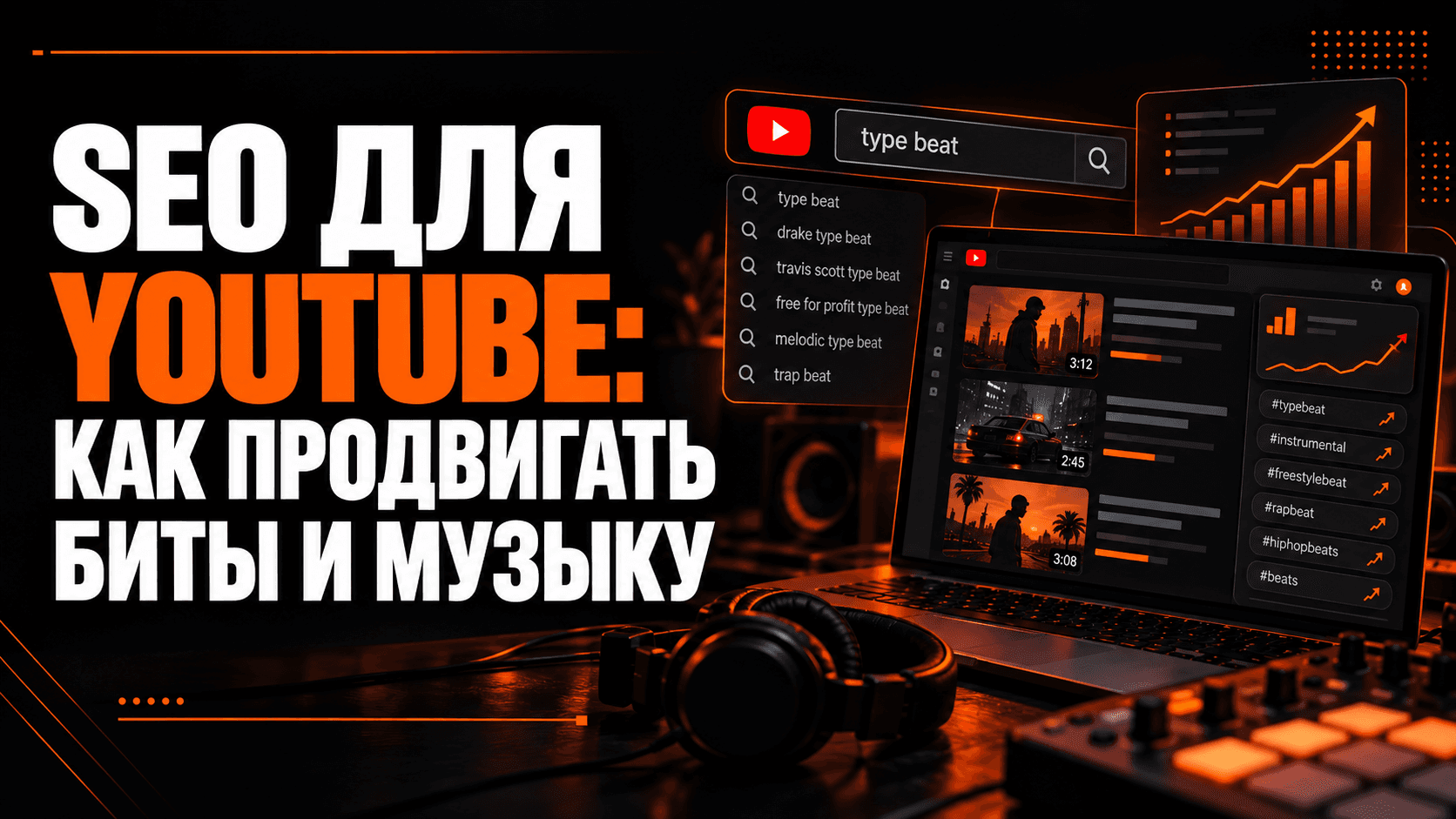
YouTube tags for beats describe a video's sound and can help with spelling variants. They are supporting metadata: titles, thumbnails and descriptions deserve more attention than building an enormous tag list.
Tags vs. hashtags
Tags are entered in YouTube Studio and are not shown as a normal public list beneath the video.
Hashtags are visible labels in titles or descriptions. Read the separate YouTube hashtags guide.
To draft a starting list, open the YouTube tag generator.
Which tags fit a beat?
- A relevant artist-style phrase, such as
drake type beat. - Genre and subgenre, such as
trap beat,drill type beatorrnb instrumental. - Accurate offer terms, such as
beat for sale, where appropriate. - Relevant spelling variations or specific descriptors that actually match the track.
Avoid broad words like music or beat without context, and never add unrelated artists just because they are popular.
Common mistakes
- Copying a huge list from another video.
- Confusing tags with hashtags.
- Ignoring the title and description.
- Labeling a beat “free” when the offer does not match.
FAQ
Why use a generator if I have this guide? The guide explains how to evaluate tags. A generator drafts suggestions that you still need to review.
How many tags should I use? Use only the relevant ones. A smaller accurate set is better than filling the field with unrelated keywords.
Release preparation
Beatway helps prepare tags, descriptions and artwork together, reducing repeated copying during publishing.