Online music visualizer
Upload a track to Beatway and get a visualization synced to the music, plus ready-to-post videos for every platform. One file instead of hours in an editor.
Why a beatmaker needs a visualizer
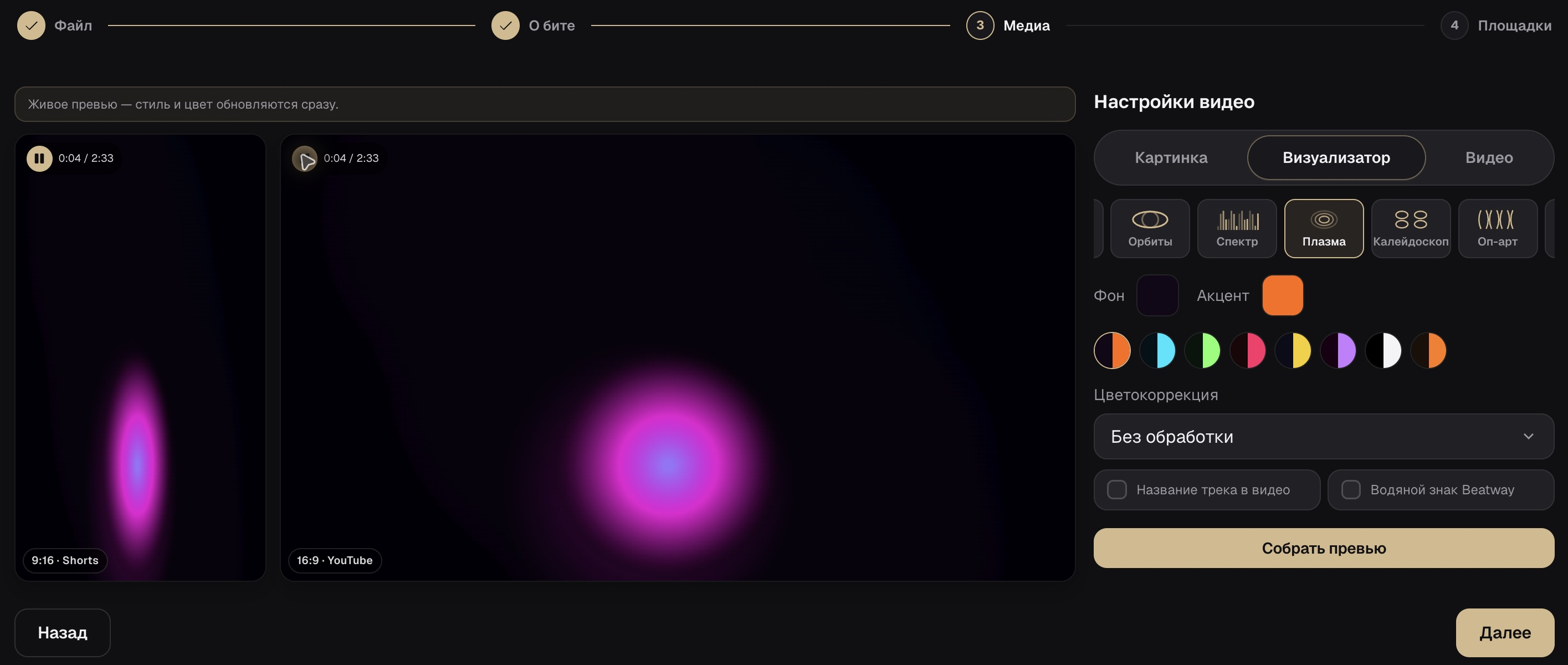
A visual for any beat
Waveforms, clips, and motion synced to the track — no After Effects, no manual editing.

Built for every platform
Landscape for YouTube and vertical for Shorts, TikTok, and Reels, from a single release.
Bundled with publishing
Cover art, tags, description, and export — all in the same flow as the visualization.
How to make a music visualization
Upload a WAV or MP3
Open Beatway studio and add your beat.
Pick a visual style
The system matches clips and motion to the track.
Publish or download
Push it to platforms or save the video.
Frequently asked questions
How is a music visualizer different from “audio to video”?
A visualizer shows the music itself (waveforms, clips, motion). “Audio to video” is a finished video file made from a track for publishing. Beatway covers both from a single upload.
Do I need a separate audio/sound visualizer?
No — “sound visualizer,” “audio visualizer,” and “music visualizer online” all land on this one page and one tool in studio.
Is it free?
Creating an account and publishing beats is free to start. Plan limits are in studio, on the pricing page.
Ready to publish?
Upload a beat to Beatway — cover art, tags, video, and export to every platform, all in one place.
Open the visualizer in studio