Publish beats to Instagram Reels automatically
Reels sized for the platform, built from the same beat as your other releases — no second content build.
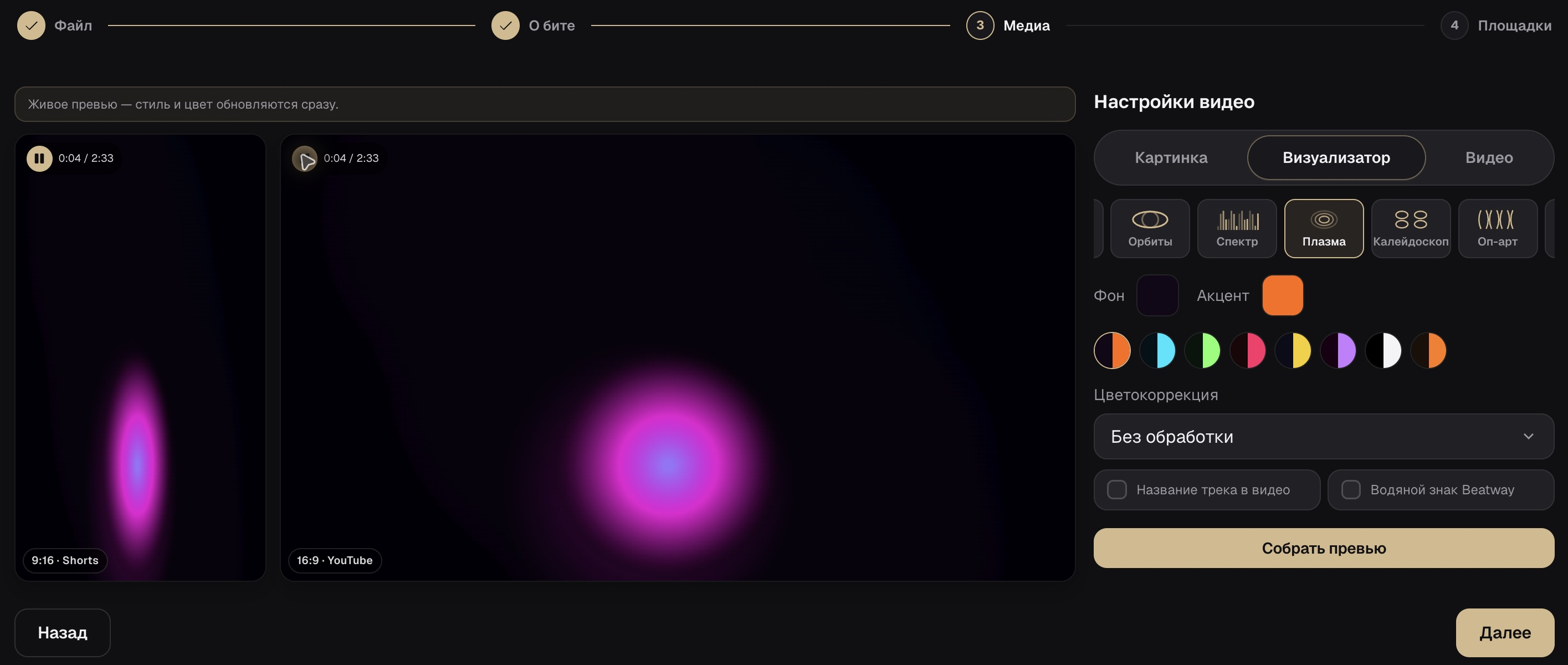
What your profile gets
Reels with no rebuild
The vertical video works for Instagram and TikTok/Shorts alike.

Posted from your own profile
The clip goes out on your account, not a third-party service.
Caption and cover art together
Caption and thumbnail are set up in the same release.
How to publish Reels with Beatway
Switch to a Business/Creator account
Publishing via the API only works with a professional profile.
Connect Instagram
Via Instagram Login — once.
Publish Reels
The same beat goes out on Instagram with every other platform.
Frequently asked questions
Will a personal account work?
No, auto-publishing needs a Business or Creator Instagram account — that's a requirement from Meta's API, not Beatway.
Do I need to prep a separate video for Reels?
No, it uses the same vertical render as TikTok/Shorts.
Ready to publish?
Upload a beat to Beatway — cover art, tags, video, and export to every platform, all in one place.
Connect Instagram