Prepare your Traktrain listing faster
Build a release once in Beatway and get ready-made cover art, tags, and a description for Traktrain. Automatic publishing to Traktrain is in development.
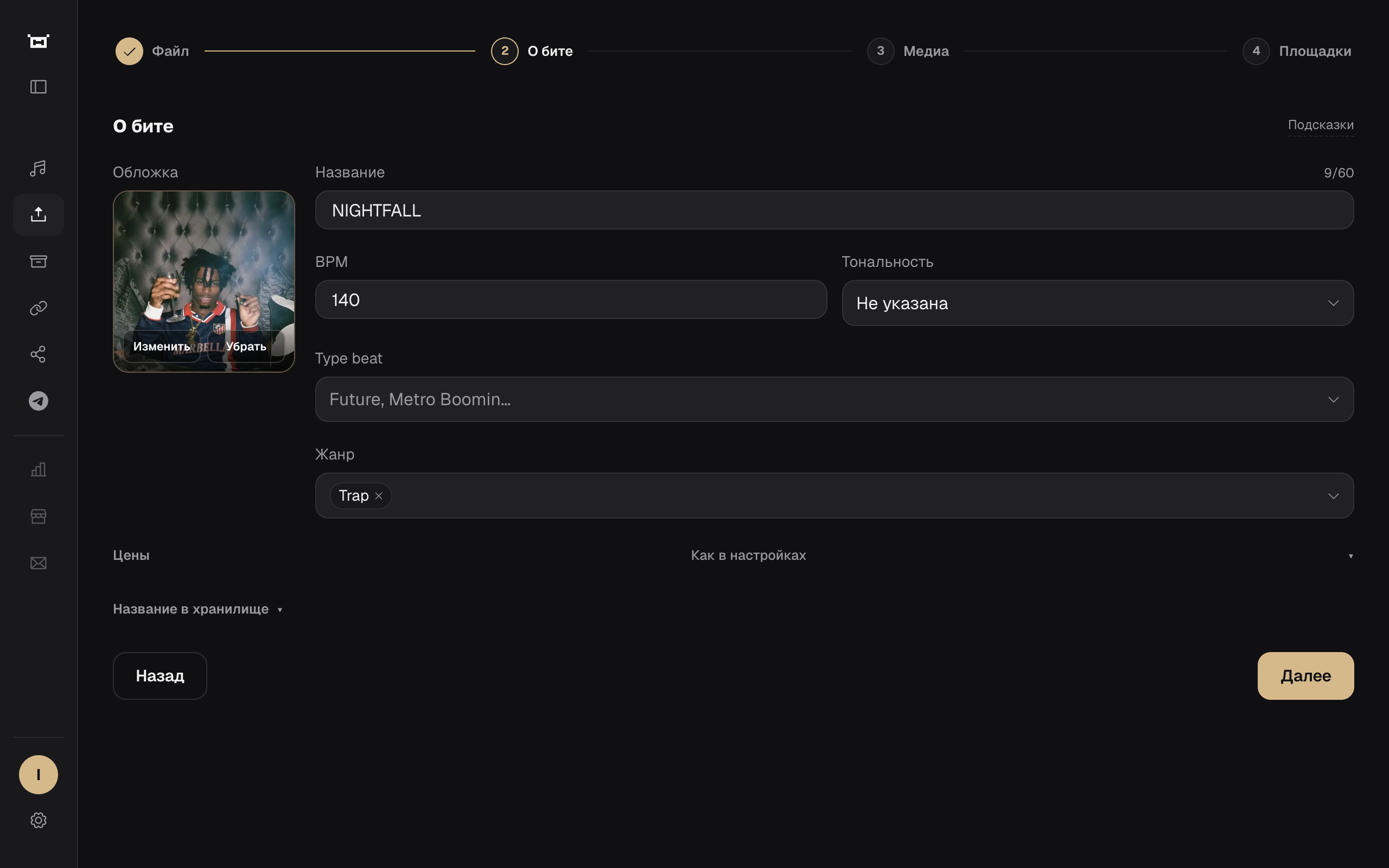
What Beatway does for Traktrain
A ready listing package
Title, cover art, tags, and description are generated for you — just move them into the upload form.

One set of metadata everywhere
The same release goes to YouTube, TikTok, and BeatStars — no rebuilding for each platform.
Direct publishing — coming soon
We're working on automatic uploads to Traktrain. Build your release now and it'll be ready to publish.
How to prepare beats for Traktrain with Beatway
Upload a beat
Beatway picks the title and tags and builds the cover art.
Review and tweak
Edit the metadata and licenses before exporting.
Publish on Traktrain
For now — from the ready package by hand; automatic publishing to Traktrain is coming soon.
Frequently asked questions
Does Beatway publish to Traktrain automatically?
Not yet — the Traktrain integration is in development. Beatway already prepares the whole listing package and publishes to the other platforms.
Why build a release in advance?
Ready-made cover art, tags, and description save time uploading to Traktrain and keep metadata identical across platforms.
Ready to publish?
Upload a beat to Beatway — cover art, tags, video, and export to every platform, all in one place.
Build a release in the studio