Beatway
How to Make Beats from Scratch: A Beginner's Workflow
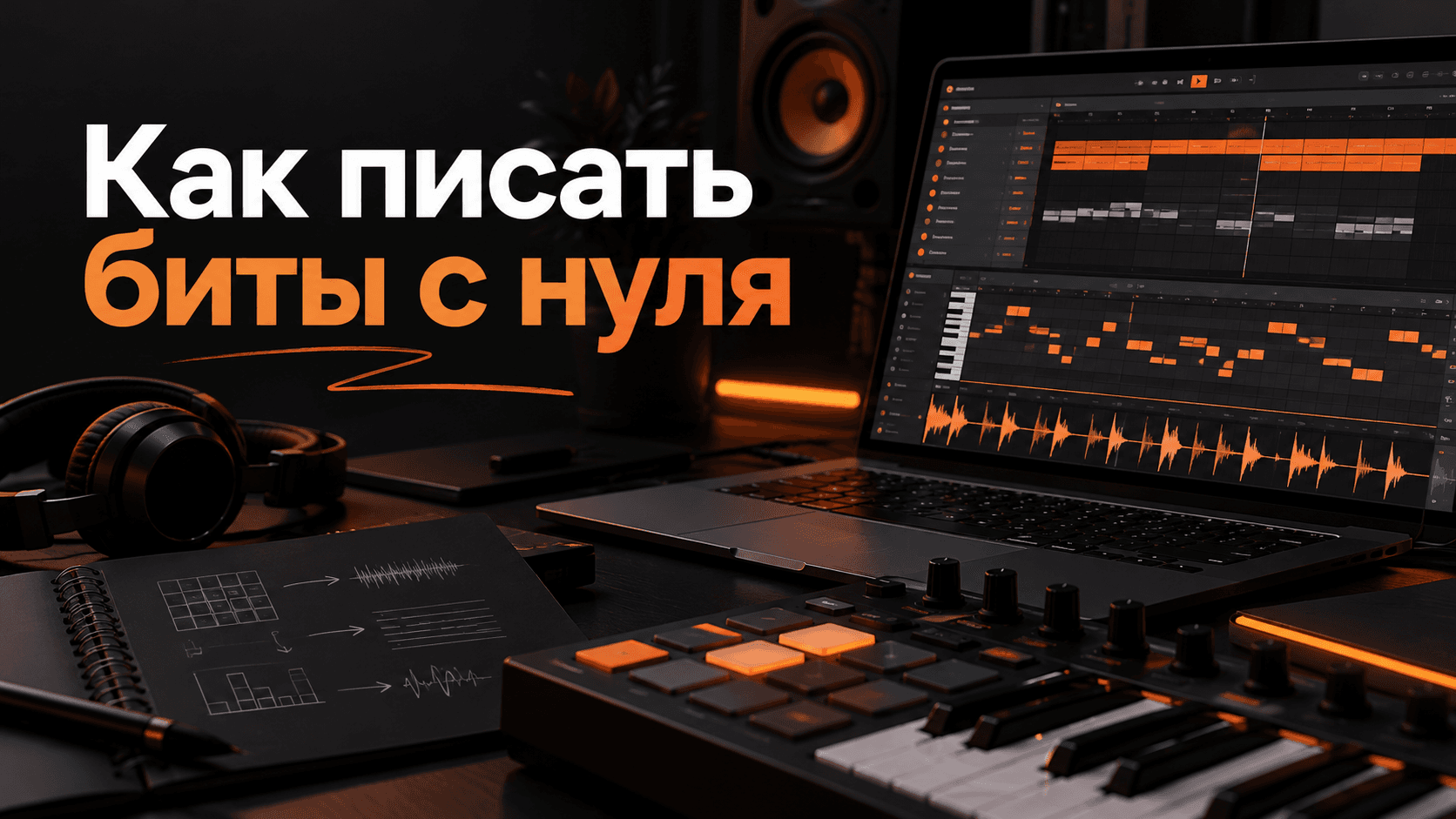
Making a first beat can be simpler than it seems. Finishing a complete instrumental, rather than leaving an eight-bar loop in a project for months, is the harder part.
Getting started
Choose one DAW and one reference track. Do not try to learn ten programs and every genre at once.
For a first beat, you need:
- Kick and snare or clap.
- Hi-hat.
- Bass.
- One main melody.
- A simple intro, verse and chorus structure.
Step 1: Choose BPM and mood
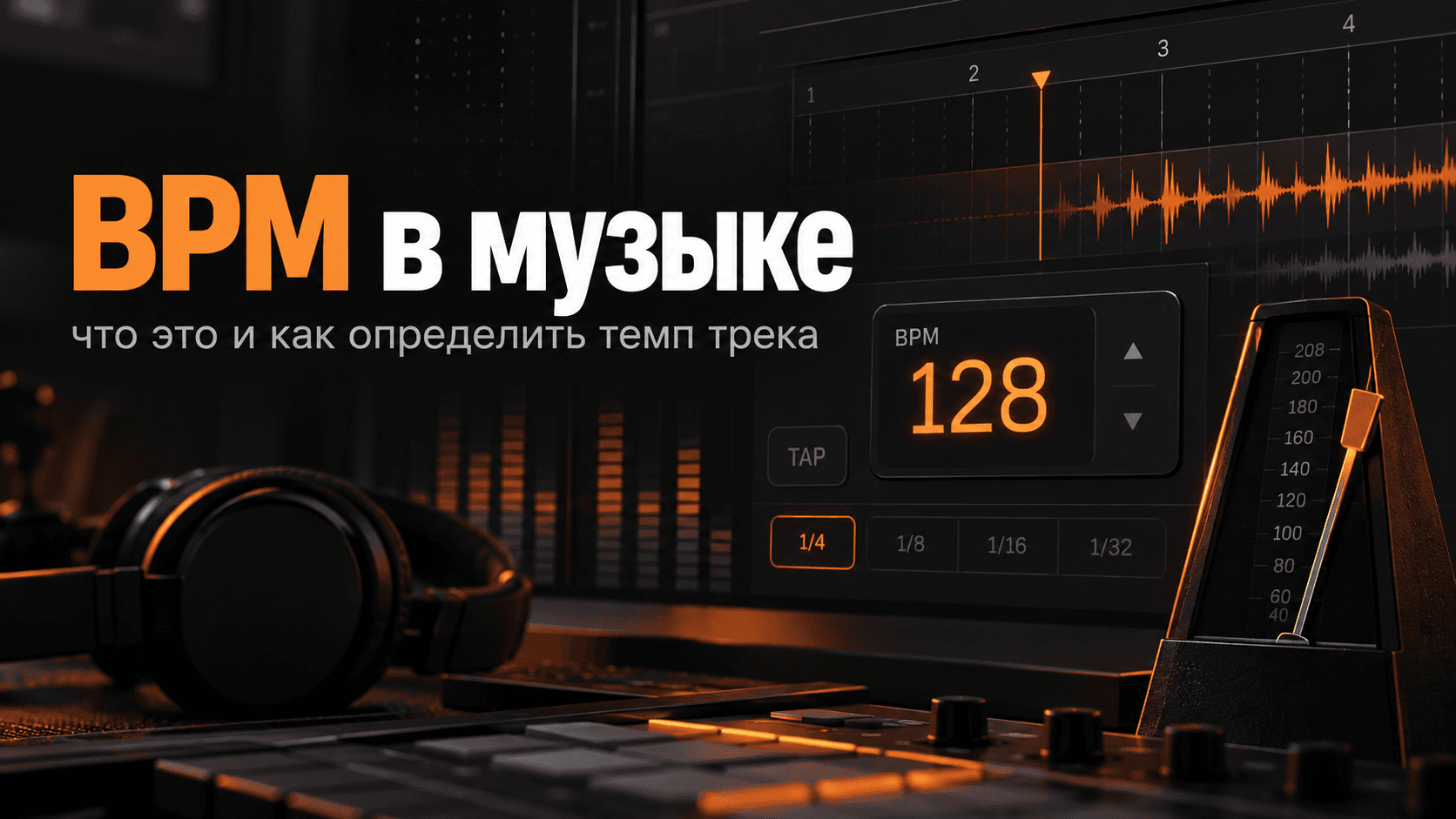
Tempo affects the rhythm and feel. 90 BPM can suit relaxed hip-hop; 140 BPM can work for trap. These are starting points, not rules.
Read what BPM means and how to find it.
Step 2: Build the drums
Start with kick and snare, then add hats and percussion. Try different placements and listen to the groove.
Do not make every element louder just to create “power.” Leave headroom.
Step 3: Add bass
The bass should work with the kick rather than constantly mask it. A few notes are often easier to balance than a complicated line.
Check the low end at different listening levels and on headphones. If the bass only becomes audible at very high volume, revisit the balance.
Step 4: Write a melody
A short motif is enough. Start with a few chords and one memorable phrase. Leave space for the artist's voice instead of filling every second.
Step 5: Arrange the track
- Intro: introduce the sound briefly.
- Verse: use fewer details and leave room for vocals.
- Chorus: add energy.
- Transitions: use breaks, fills or filters.
- Ending: give the track a clear finish.
Even small changes between sections make an instrumental feel more alive.
Step 6: Check and export
Compare your beat with a reference at a similar listening level. Check for clipping, harsh peaks and an overloaded low end.
Save the project, export a WAV and preview, and prepare stems if your offer includes them.
Prepare the release
Keep the following together:
- Name and genre.
- Mood.
- BPM and key.
- WAV and MP3 files.
- Artwork.
- License or purchase link.
Beatway helps prepare the visual and written materials for publication.
FAQ
How long does a first beat take? It varies. Building the habit of finishing matters more than speed.
Do I need a MIDI keyboard? No. You can enter notes with a mouse or computer keyboard.
Should I learn mastering immediately? Start with a clean balance and correct exports. Learn final processing gradually.
Checklist
- Choose a BPM and reference.
- Build drums, bass and melody.
- Turn the loop into an arrangement.
- Check for obvious clipping.
- Save the project and export WAV.
- Prepare the title, artwork and description.